

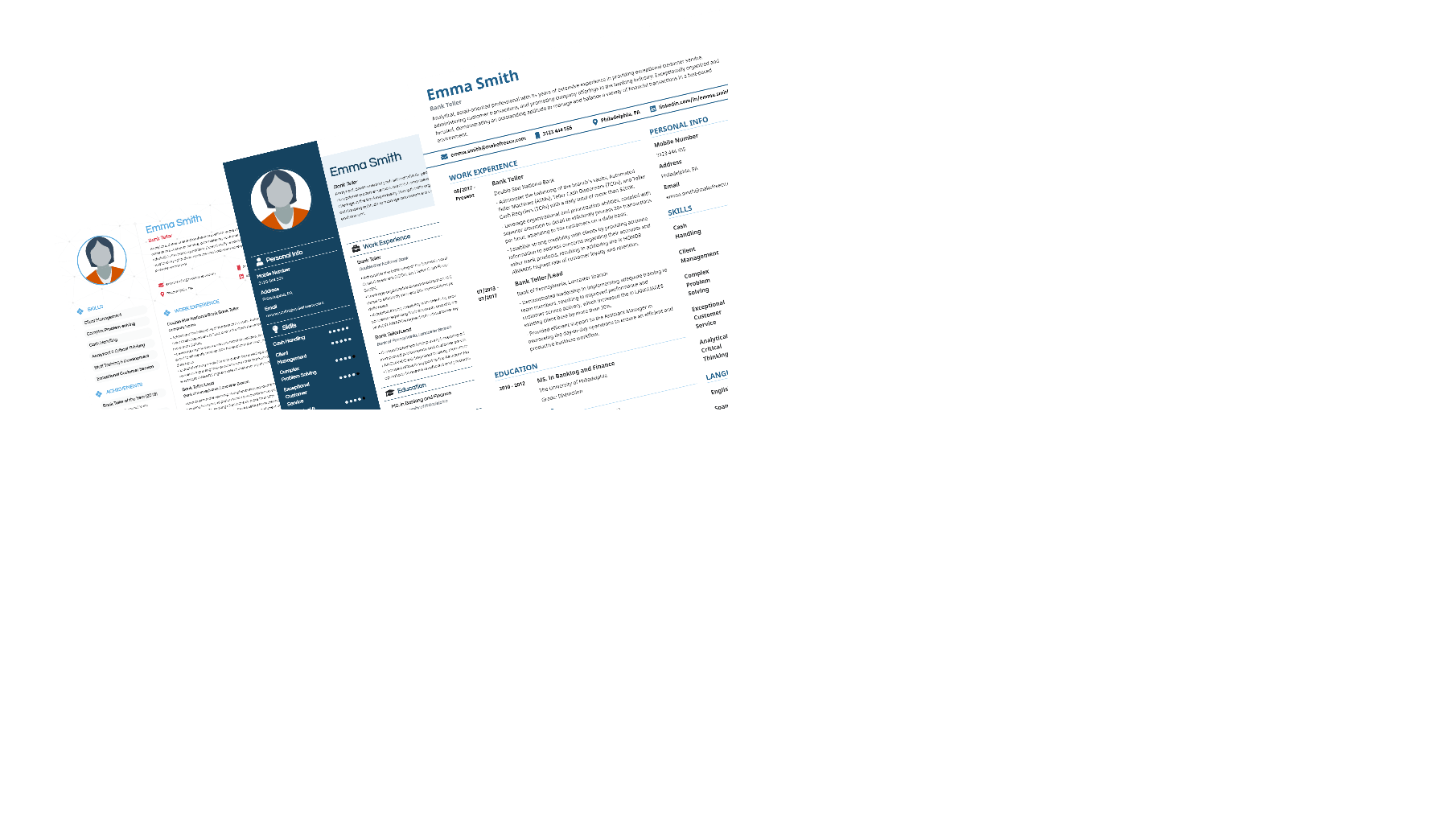
Websites for Free DOCX CV and Resume Templates
- Microsoft Office Templates
- URL: Office Templates
- Details: Microsoft offers a variety of free resume templates that can be downloaded in DOCX format. Simply search for "resume" or "CV" in the template search bar.
- Canva
- URL: Canva
- Details: While primarily a design tool, Canva offers a range of resume templates. After customizing your CV, you can download it as a DOCX file. (Note: You may need to sign up for a free account.)
- Resume.com
- URL: Resume.com
- Details: This site allows you to create a resume for free and download it as a DOCX or PDF. It provides guided steps to help you fill out your information.
- Hloom
- URL: Hloom
- Details: Hloom offers a collection of free resume templates in DOCX format. You can browse through various styles and download the ones you like.
- Google Docs
- URL: Google Docs
- Details: If you have a Google account, you can access a variety of resume templates directly in Google Docs. Once you open a template, you can edit it and then download it as a DOCX file.
- Zety
- URL: Zety
- Details: Zety provides a resume builder that lets you create a resume for free. You can download it as a DOCX file, though some features may require a subscription.
How to Use These Resources
- Select a Template: Browse the templates available on the chosen website and select one that suits your style and profession.
- Customize Your CV: Fill in your personal information, work experience, education, skills, and other relevant sections.
- Download the Template: Once you’re satisfied with your CV, download it as a DOCX file for easy editing in Microsoft Word or similar applications.
Example of a Simple CV Template in DOCX Format
If you prefer a simple structure, here’s a basic outline you can follow when creating your CV in any word processor:
[Your Name]
[Your Address]
[City, State, Zip]
[Your Phone Number]
[Your Email Address]
Professional Summary
A brief summary of your qualifications and career goals.
Work Experience
Job Title
[Company Name], [Location] — [Start Date] to [End Date]
- [Responsibility or achievement]
- [Responsibility or achievement]
Education
[Degree]
[University Name], [Location] — [Graduation Year]
**Skills**
- [Skill 1]
- [Skill 2]
- [Skill 3]
**References**
Available upon request.


